Direct Answer: Yes, a dash cam can drain your car battery, usually when it’s wired to a constant power source instead of an ignition-switched one, or when parking mode stays active too long. Fix it by installing a hardwire kit with low-voltage cutoff, or disabling parking mode when the car sits for extended periods.
Introduction
If you’ve ever gone out to your car after a few quiet days and found a dead battery, a dash cam draining car battery power is one of the first suspects worth checking. These little cameras are always ready to record, and that “always ready” behavior is exactly what causes trouble. Most dash cams pull power straight from a 12V socket or are hardwired into the fuse box, and when parking mode, buffered recording, or a faulty firmware update keeps the unit awake, your battery pays the price. Understanding why this happens is the fastest way to stop it before you’re stuck calling roadside assistance on a Monday morning.
Why does this problem happen?
A dash cam draining battery power almost always comes down to one of a few root causes:
- Continuous power wiring. If the dash cam is hardwired to a fuse that stays live even with the ignition off, it never fully powers down.
- Parking mode left unchecked. Motion-detection or time-lapse parking mode is convenient, but on older or budget units it can run for 12, 24, even 48 hours straight if there’s no voltage cutoff installed.
- Faulty or missing low-voltage cutoff. A proper hardwire kit cuts power once the battery drops to a safe threshold (usually around 11.6–12V). Without it, the camera keeps drawing current until the battery is nearly dead.
- Firmware bugs. Some units get stuck in a “wake loop” after a botched firmware update, cycling on and off and drawing small bursts of current all night.
- Degraded battery health. An aging battery with reduced capacity will show drain symptoms from a dash cam far sooner than a healthy one would, even under normal use.
What early warning signs appear before full failure?
Before you’re stranded, the car usually gives you a heads-up:
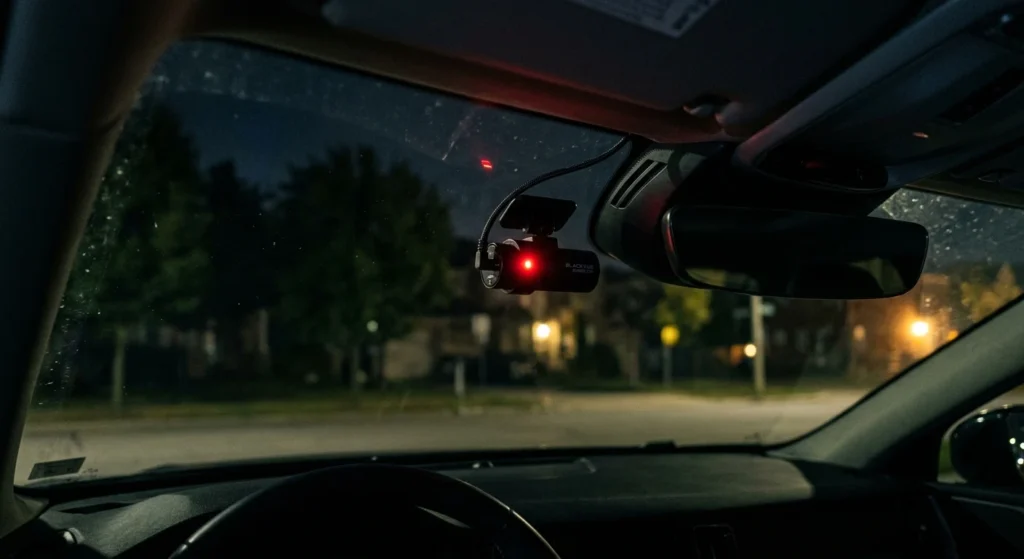
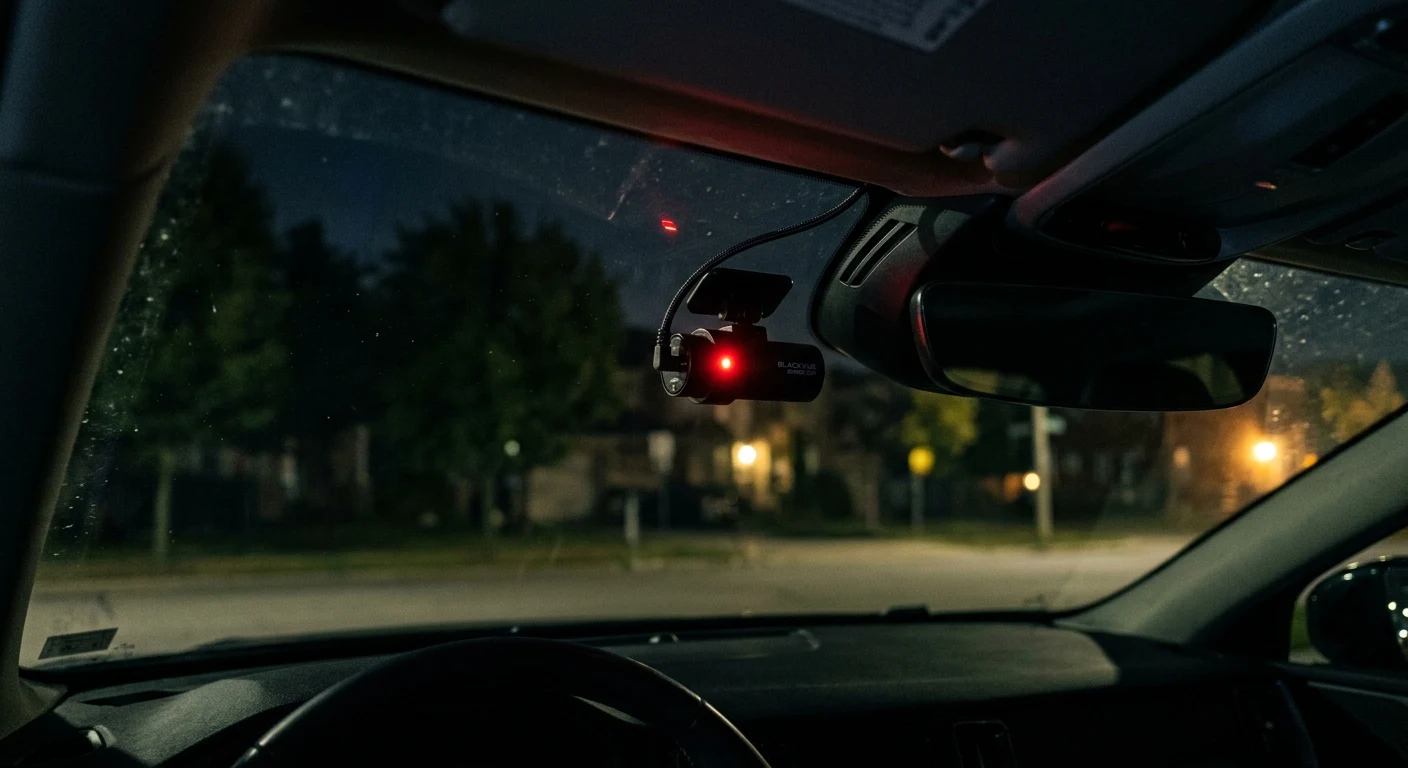
- Dash cam indicator light flickers or dims when the engine is off.
- The car cranks noticeably slower in the morning, even after a full day of driving the day before.
- Parking mode recordings stop mid-clip or show timestamp gaps.
- Dashboard warning lights (battery icon, low voltage alert) pop up intermittently.
- The dash cam reboots itself repeatedly while parked, audible as a startup chime if sound is enabled.
Catching these signs early means the fix is usually a five-minute adjustment, not a battery replacement.
How to diagnose and fix this problem step-by-step?
Tools Needed:
- Multimeter
- Microfiber cloth and rubbing alcohol (for cleaning contacts)
- Replacement fuse (matching your vehicle’s rating)
- Hardwire kit with low-voltage cutoff (if not already installed)
- Manufacturer’s firmware update file and SD card reader
Chronological Fix Guide:
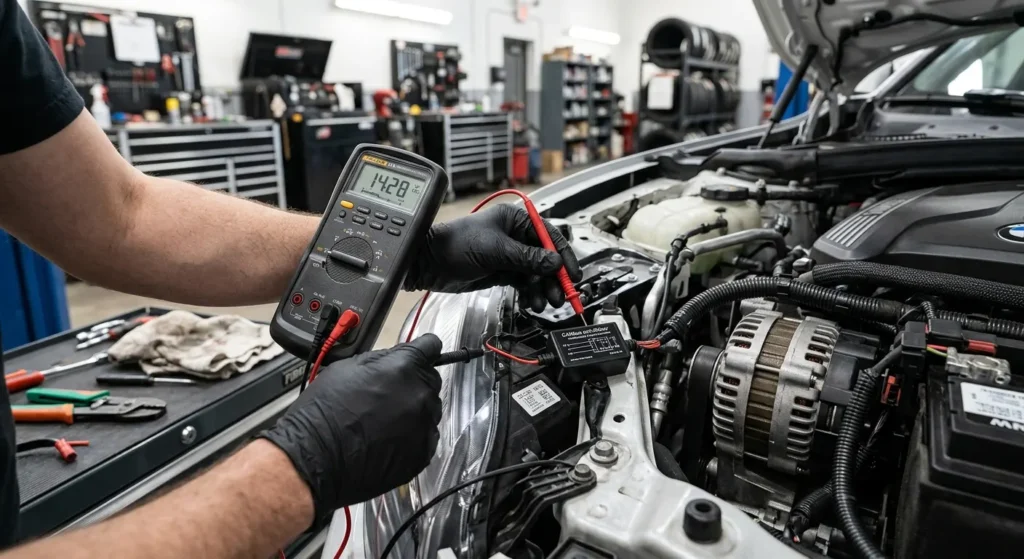
- Test resting voltage. With the car off, use a multimeter on the battery terminals. Anything below 12.4V after sitting overnight suggests the battery is already being drawn down.
- Check the power source. Confirm whether the dash cam is on a constant 12V feed or an ignition-switched circuit. If it’s constant and you don’t want parking mode, switch it to an ignition-live wire instead.
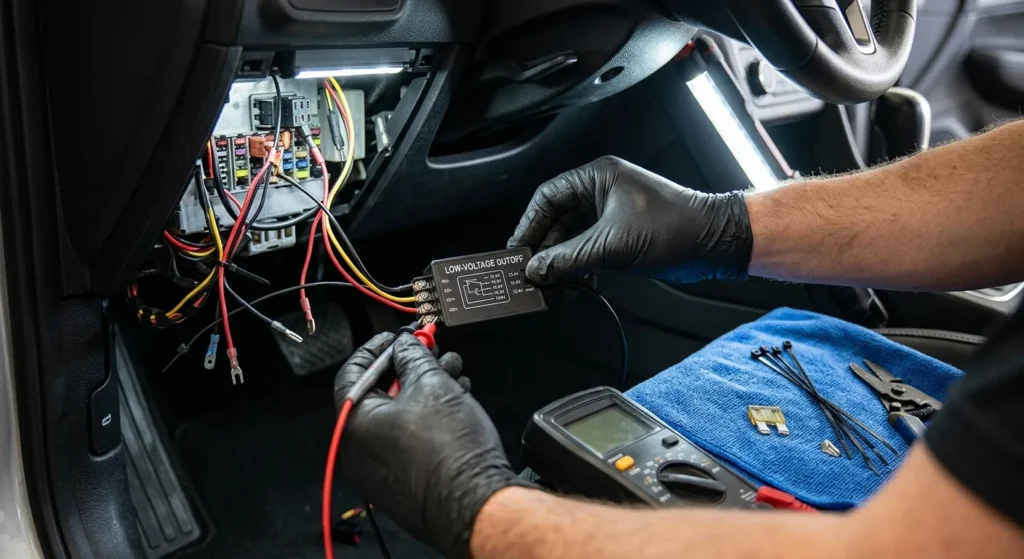
- Inspect or install a low-voltage cutoff. If you’re using parking mode, this is non-negotiable. Set the cutoff around 11.8–12V so the camera shuts off well before the battery is compromised.
- Clean the connections. Corrosion or loose crimps on the hardwire kit’s fuse tap can cause voltage fluctuation that confuses the cutoff circuit. Wipe contacts down and re-seat every connector.
- Update the firmware. Download the latest firmware from the manufacturer’s site, load it onto the SD card, and let the dash cam update. This resolves most “wake loop” drain issues.
- Limit parking mode duration. If your app allows it, cap recording time to a few hours instead of indefinite monitoring, especially if the car won’t be driven for several days.
- Recheck voltage after 24 hours parked. Confirm the fix worked by measuring the resting voltage again after a full day without driving.
Expert's Note: Real-World Testing & Diagnostic Insight
I once had a customer bring in a sedan with a battery that died every weekend, without fail. The dash cam was hardwired correctly, but the cutoff was set too low, at 11.2V, well past the point where deep discharge starts damaging the battery. We reset the cutoff to 12.0V and reduced parking-mode sensitivity so it wasn’t triggering on every passing shadow. The battery held a full charge through the following two weekends with no issues. The lesson: it’s rarely the dash cam itself that’s broken, it’s the cutoff threshold or wiring choice that’s set wrong.
How to prevent this issue from happening again?
- Use a quality hardwire kit with a built-in, adjustable low-voltage cutoff rather than a generic 12V splitter.
- Keep firmware current by checking for updates every few months.
- Protect cables from heat and sun by routing them along the headliner and A-pillar, away from direct sunlight that degrades insulation over time.
- Avoid running parking mode during long-term parking (trips, storage) unless you have a dedicated battery pack or solar trickle charger.
- Test your battery’s health annually, since an aging battery is far more vulnerable to any parasitic draw.
FAQ
Does a dash cam drain a car battery even when the car isn’t running?
Yes, if it’s set to parking mode or wired to a constant power source, a dash cam draining car battery power while parked is common. Installing a low-voltage cutoff prevents this from going too far.
How to prevent a dash cam from draining a battery overnight?
Set a low-voltage cutoff around 12V, limit parking mode duration, and make sure the wiring uses an ignition-switched circuit if you don’t need 24/7 monitoring. These three steps solve most overnight drain cases.
Will a dash cam drain my battery if I only use it while driving?
No, if the dash cam only powers on with the ignition and has no parking mode enabled, it won’t draw current when the car is off. The drain issue is specific to standby and parking-mode functions.
Conclusion
A dash cam draining car battery power is frustrating, but it’s almost always fixable with the right wiring setup and a properly configured low-voltage cutoff. Check your power source, keep firmware updated, and set sensible parking-mode limits, and you’ll get the security of continuous recording without sacrificing your battery. A few minutes of diagnostic work now means your car starts reliably every single morning.
Quick note: Some of the links in this post are affiliate links. That simply means I may earn a small commission if you make a purchase through them, at no extra cost to you. I only recommend products or services that I believe may be useful to my readers.