Short Answer: CarPlay keeps disconnecting mainly due to a faulty or non-MFi-certified USB cable, a loose port connection, Bluetooth interference, or a phone stuck on an outdated iOS version. Replace the cable with a certified one, reset network settings, and update both the phone and infotainment firmware to stop repeated dropouts.
Introduction
Few things are more annoying mid-drive than watching your navigation, music, or call cut out because CarPlay keeps disconnecting for no obvious reason. It happens to wired and wireless setups alike, and it usually strikes at the worst moment, like when you’re relying on turn-by-turn directions in an unfamiliar area. The frustrating part is that Apple CarPlay keeps disconnecting for reasons that often have nothing to do with your car or your phone individually, but with how the two are communicating. Understanding the real cause is the difference between a permanent fix and a temporary reboot that solves nothing.
Why does this problem happen?
When your phone keeps disconnecting from CarPlay, the root cause is almost always one of these:
- Bad or uncertified USB cable. Cheap cables that aren’t MFi-certified can pass power but fail at stable data transfer, causing the connection to drop intermittently.
- Loose USB port. Repeated plug/unplug cycles wear down the port’s internal contacts, so vibration from driving is enough to break the connection.
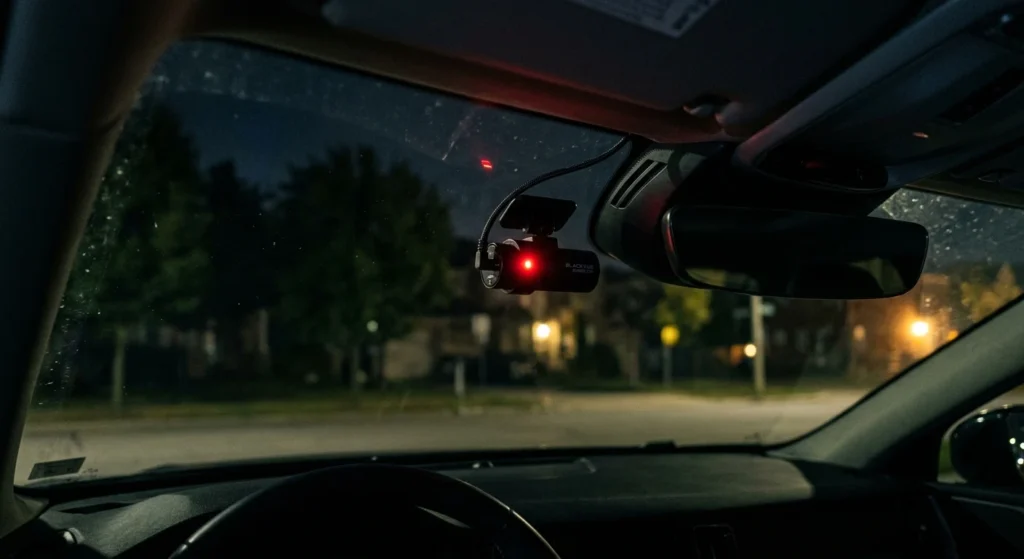
- Bluetooth interference. Wireless CarPlay relies on Bluetooth for the initial handshake; nearby devices, dashcams, or even other paired phones can interrupt that signal.
- Outdated software. An outdated iOS version or infotainment firmware often has known bugs specifically tied to why does CarPlay keep disconnecting complaints on forums.
- Overheating phone. If the phone is in direct sunlight or charging aggressively while running CarPlay, thermal throttling can kill the wireless radio temporarily.
- Corrupted network settings. iOS sometimes holds onto a broken Bluetooth or Wi-Fi profile for the car, causing repeated failed handshakes.
What early warning signs appear before full failure?
Before CarPlay drops out completely, most systems show smaller symptoms first:
- The screen flickers or shows a brief “Connecting…” message before working normally.
- Audio stutters or cuts out for a second, even when the display stays connected.
- The connection takes longer than usual to establish each time you start the car.
- CarPlay disconnects only when the phone is charging, hinting at a cable or port issue.
- The infotainment system occasionally reverts to the home screen without CarPlay reconnecting automatically.
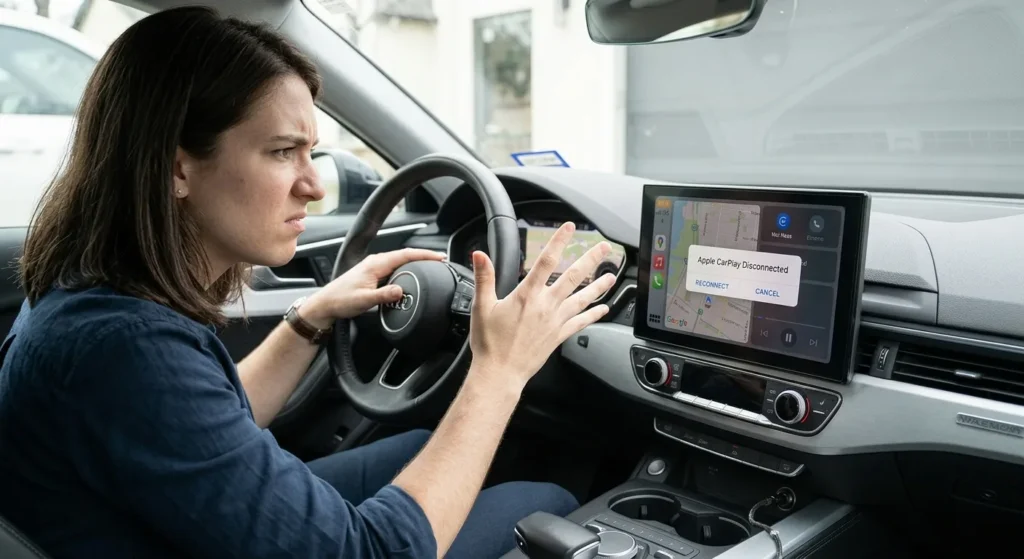
Catching these signs early usually means the fix is a five-minute cable swap or settings reset, not a trip to the dealership.
How to diagnose and fix this problem step-by-step?
Tools Needed:
- Certified Apple Lightning or USB-C cable (MFi-certified)
- Microfiber cloth (for cleaning the USB port)
- Compressed air (optional, for port debris)
- Access to iOS Settings and infotainment system menus
Chronological Fix Guide:
- Swap the cable first. This resolves the issue in a large share of cases where my CarPlay keeps disconnecting complaints turn out to be cable-related. Use an Apple-certified cable, not a generic fast-charge cable.
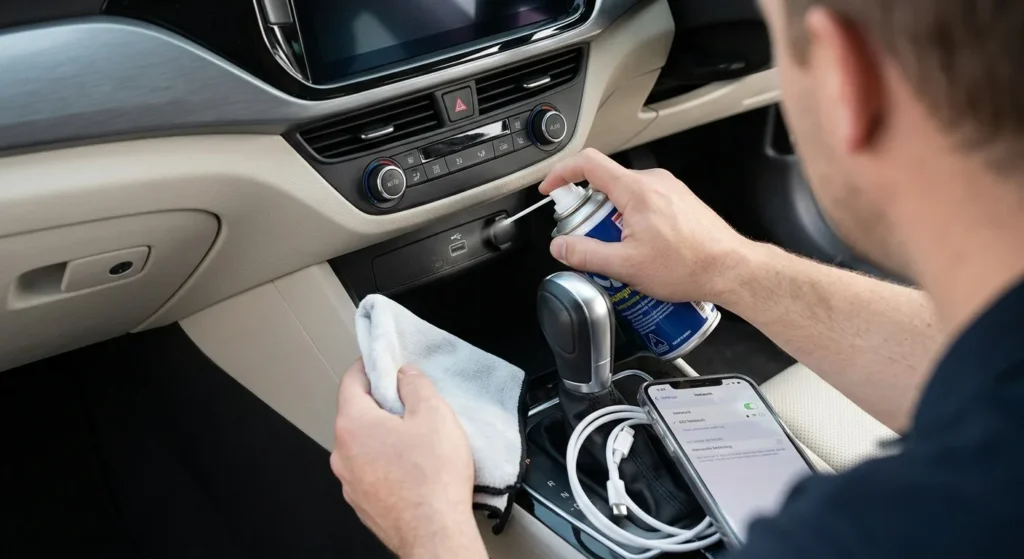
- Inspect and clean the USB port. Dust and lint buildup in the car’s USB port can cause intermittent contact. Use compressed air, then wipe the phone’s port with a dry microfiber cloth.
- Forget and re-pair the connection. In your car’s Bluetooth menu, forget the phone entirely, then go to iPhone Settings > General > CarPlay, remove the vehicle, and reconnect from scratch.
- Reset network settings. On iPhone, go to Settings > General > Transfer or Reset iPhone > Reset > Reset Network Settings. This clears corrupted Bluetooth and Wi-Fi profiles that often explain why does Apple CarPlay keep disconnecting after a software update.
- Update iOS and infotainment firmware. Check for pending iOS updates and check your car manufacturer’s site or dealership for an infotainment software update.
- Test with wired vs. wireless. If you’re using wireless CarPlay, try a wired connection temporarily to isolate whether the issue is Bluetooth-specific.
- Check for interference sources. Temporarily disconnect other Bluetooth accessories (dashcams, OBD trackers) to rule out signal conflicts.
Expert’s Note: Real-World Testing & Diagnostic Insight
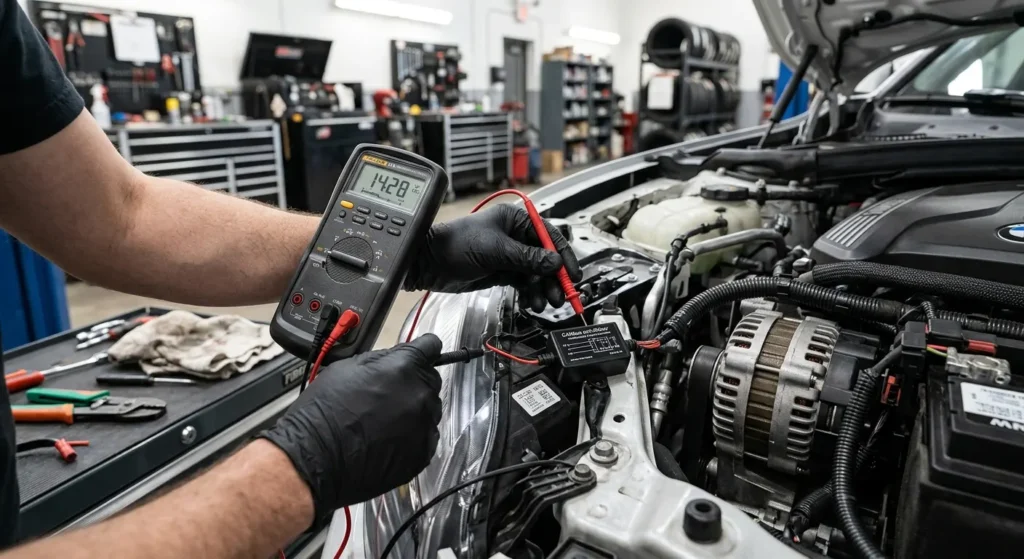
A customer came in convinced their infotainment unit was failing because CarPlay kept dropping every 10–15 minutes on longer drives. We tested the cable first since it’s the fastest check, and sure enough, it was a generic replacement cable bought at a gas station. Swapping it for a certified Apple cable solved the problem instantly, with zero drops over a 45-minute test drive afterward. The lesson here: before assuming it’s a car or phone hardware fault, always rule out the cable. It’s the single most common reason apple car play keeps disconnecting in wired setups.
How to prevent this issue from happening again?
- Always use MFi-certified cables, and replace them every 12–18 months since internal wires degrade with regular flexing.
- Keep phones out of direct sunlight on the dash to avoid thermal throttling during summer drives.
- Practice cable strain relief by routing the cord so it isn’t pulled tight or twisted every time you get in or out.
- Clean USB ports periodically with compressed air to prevent dust-related dropouts.
- Limit paired Bluetooth devices in the car to reduce handshake competition for wireless CarPlay.
- Keep both iOS and your car’s infotainment firmware current to avoid known compatibility bugs.
FAQ
Why does my CarPlay keep disconnecting even with a good cable? If a certified cable doesn’t solve it, the issue is likely a software conflict, a Bluetooth interference source, or a worn USB port. Reset your network settings and re-pair the device from scratch. If it persists, update both iOS and your car’s infotainment firmware.
Why does my phone keep disconnecting from CarPlay only while charging? This usually points to a cable or port issue rather than software, since charging draws more current through the same connection carrying data. Try a different certified cable and inspect the port for debris. A loose port connector can also cause this specific pattern.
Why does Apple CarPlay keep disconnecting after an iOS update? New iOS versions sometimes introduce Bluetooth or CarPlay bugs that affect specific car models. Resetting network settings and removing then re-adding the paired vehicle usually resolves it. If not, wait for Apple’s next patch, since these bugs are typically fixed within a few weeks.
Conclusion
CarPlay keeps disconnecting for a handful of predictable reasons, and nearly all of them are fixable without a shop visit. Start with the cable, clean the port, reset the connection, and keep your software current, and you’ll get a stable, reliable CarPlay experience every time you drive. A few minutes of troubleshooting now means no more dropped navigation or interrupted calls down the road.
Quick note: Some of the links in this post are affiliate links. That simply means I may earn a small commission if you make a purchase through them, at no extra cost to you. I only recommend products or services that I believe may be useful to my readers.